AI Fashion Model Photos: The Legal Trap I Almost Walked Into (And the Workflow I Built Instead)
AI Fashion Model Photos: The Legal Trap I Almost Walked Into (And the Workflow I Built Instead)
If you run a fashion store, I don’t need to convince you that lifestyle photos matter. They’re how your customers decide whether your brand feels premium, approachable, or forgettable — often before they read a single word of copy. So when AI image tools started producing genuinely realistic fashion shots, I did what any scrappy founder would do: I grabbed a supplier photo, dropped it into an AI platform, and asked it to put the model in a new setting.
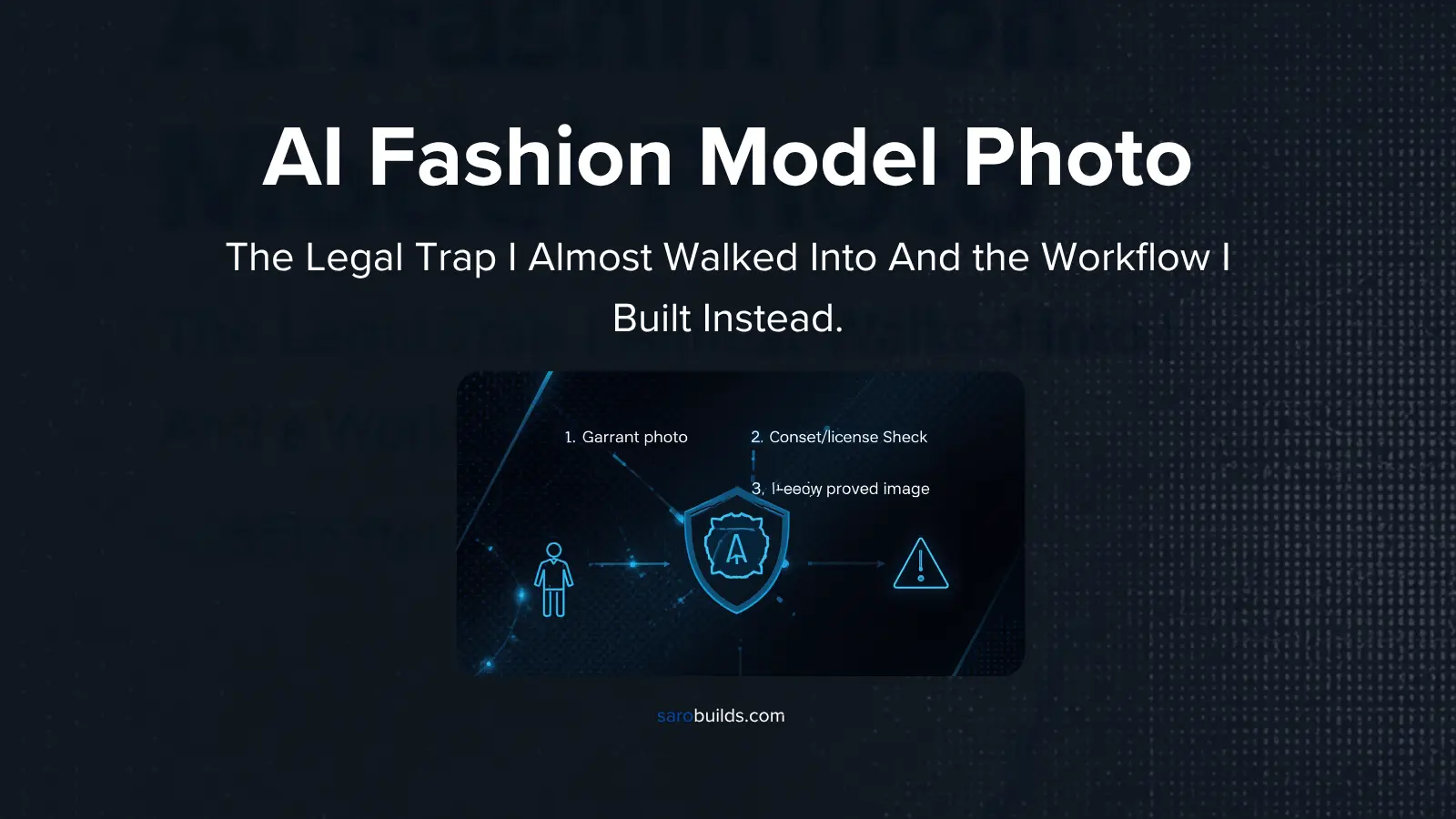
Then I stopped. Because what I was about to do wasn’t just a creative shortcut — it was almost certainly a legal trap. This post walks through the two risks I spotted, how I backed out, and the lean AI workflow I’m now using to generate on-brand model photos for my store without borrowing anyone’s face.
The Two Legal Traps Hiding in Supplier Photos
Most small fashion retailers work on a reseller model. You buy inventory from a supplier, and the supplier hands you a set of creative assets — product photos, sometimes short videos — to sell with. It feels like those assets are yours. They’re not, and that distinction is where both traps live.
You don’t own the photo
A reseller agreement sets boundaries on how you can use the supplier’s creative. In practice, most suppliers are lenient — they’ll say “sure, go ahead” when you ask. But modifying the image, even something as routine as adding text overlays for a social post, can fall outside what the agreement actually allows. It’s a gray area, and gray areas are where small brands get surprised.
You definitely don’t own the person in it
This is the one I almost walked into. The supplier photo showed a model from the hip up, shot outdoors. My plan was to use AI to move her indoors — onto a couch, or into an executive boardroom. That’s a completely different context that the real human in that photo never agreed to. I have no agreement with her, no release, no relationship at all. When I asked around, the answer was blunt: this is the kind of thing that can lead to a lawsuit.
The distinction matters. Putting a “20% off” banner on a supplier’s photo is a licensing question. Placing a real person into a scene they never posed for is a question about her likeness and her consent — and that’s a much harder line to be on the wrong side of.
I’m a founder, not a lawyer. If you’re making decisions about image rights or likeness, talk to someone qualified in your jurisdiction.
Why AI Models Are the Lean Path — For Now
So if I can’t safely remix the supplier’s model, what’s the alternative? A professional lifestyle shoot is the gold standard, but it’s expensive — photographer, model fees, location, styling — and it only pays off if the products actually sell.
That’s why I see AI-generated models as the lean-startup move, not the forever move. Think of it as crawl, walk, run:
- Crawl: Use an original AI model to create lifestyle imagery cheaply and test which designs get traction.
- Walk: Double down on the products customers actually respond to.
- Run: Invest in a real lifestyle photo shoot for the proven winners.
It’s the same logic any PM applies to a new feature: validate before you invest deeply. You wouldn’t build the full enterprise version of an untested idea, and you shouldn’t book a studio day for a cardigan nobody’s clicked on yet.
My Four-Step Approach to Building an AI Model Workflow
Here’s the stripped-down process I’m following. None of it is fancy, but each step exists to control either quality, cost, or future scale.
1. Pick a platform that can produce realistic output — and scale later
There’s no shortage of options: Gemini, Midjourney, and a growing list of others. My first filter is simple — which one produces high-quality, genuinely realistic fashion photos? My second filter is about the future. Eventually I want to automate this through an API, so the platform needs real controls: prompt customization, the ability to feed in reference media, and so on.
2. Choose the right model (and watch the cost)
Every platform now offers multiple models, and new ones ship almost every quarter. The catch is that newer models usually cost more — in tokens, in credits, in generation fees. At a small store’s volume that adds up fast, so I’m deliberately cautious here rather than defaulting to whatever’s newest.
3. Build the prompt with Claude
I use Claude to write and refine the image prompts. It’s good at diagnosing why an output went wrong and rewriting the instructions to fix it — which, as you’ll see, turned out to matter a lot.
4. Iterate on the platform itself
A quick search led me to OpenGen, a platform that brings multiple image models together in one place. That’s useful for two reasons: I can compare models side by side to see which produces the most realistic shoot, and I can compare costs at the same time. It also came with free credits, which never hurts. To be clear, OpenGen is my sandbox, not my destination — the end goal is to move to a direct API, because that’s where the real scale comes from.
The First Test: Where Things Went Wrong
I started with a prompt I’d written for a different project and a supplier photo of a cardigan we sell. Remember that model’s face — it’s about to matter.
The result surfaced two problems immediately:
- The legal trap, live on screen. The platform took the supplier’s model and placed her, recognizably, into a brand-new setting. Exactly the scenario I’d decided to avoid.
- A prompt that said the wrong thing. Buried in my reused prompt was the phrase “casual phone camera photo.” The platform took that literally and produced a selfie. Useless for a fashion store.
That second one is a good reminder: image models do exactly what you say, not what you mean. A throwaway phrase from an old prompt completely changed the output.
Fixing the Prompt, Then Fixing the Model
The easy fix: from selfie to lifestyle shoot
I gave Claude the original prompt and the selfie output, and asked it to diagnose what went wrong. It returned a revised prompt and explained what it changed. The next generation looked much better — a proper fashion lifestyle image I could use not just on the store but on social, in marketing, even on the blog.
But it still didn’t solve the bigger problem. Put the new output next to the supplier photo and the two models are strikingly similar. Better picture, same legal risk.
The real fix: an original anchor model
The solution has two parts:
- Use Claude to write a prompt for an anchor image — an original, AI-generated base model that belongs to no real person.
- Test whether that anchor model actually works with the products in our catalog.
The platform generated three candidate models in roughly five to ten seconds each — genuinely impressive for the turnaround. Model one was clearly wrong for the brand. Models two and three were a close call, but model three looked more age-appropriate for our target customer, so she became the anchor.
The A/B Test: AI Model vs. Real Photo Shoot
The final check was a head-to-head. I ran the anchor model through one of our catalog products — a corduroy blazer — and put the result next to a real-life photo of the same blazer.
From a distance, it holds up. Up close, the AI version had three noticeable fidelity errors:
- Color: The real blazer is a bright green. The AI version came out darker and faded.
- Pockets: The AI added flaps to the pockets. The real product has none.
- Buttons: Three buttons on the AI version, two on the real one.
These aren’t cosmetic nitpicks. In fashion e-commerce, a photo that misrepresents the product is a return waiting to happen — and a trust problem with the customer who opens the box. So there are a few more prompt tweaks to make before this goes into production, but it’s close.
The Bottom Line
- Supplier photos are licensed, not owned. Check your reseller agreement before modifying them — even for simple text overlays.
- Never move a real model into a new scene with AI. Her likeness isn’t yours, and that’s the high-risk trap.
- Create an original anchor model and use it consistently across your catalog instead.
- Treat AI photography as the crawl stage. Validate demand first, then invest in real shoots for the winners.
- Audit every output against the real product. Color, hardware, and details drift — and inaccurate photos cost you in returns and trust.
For a small team — where I’m currently wearing the creative strategist hat too — this workflow turned a legal risk into a repeatable, affordable process. It’s not perfect yet, but it’s close enough to production that I’d rather share it now and refine it in public.
If you run a fashion store, I’d genuinely like to know: how are you handling product photography at scale? Small team, AI, freelancers, something else entirely?
If you found this useful, I cover SaaS products, agentic AI workflows, and product thinking right here on SaroBuilds. Drop a comment or reach out — I’d love to hear what products you want me to review next.
#AI Fashion